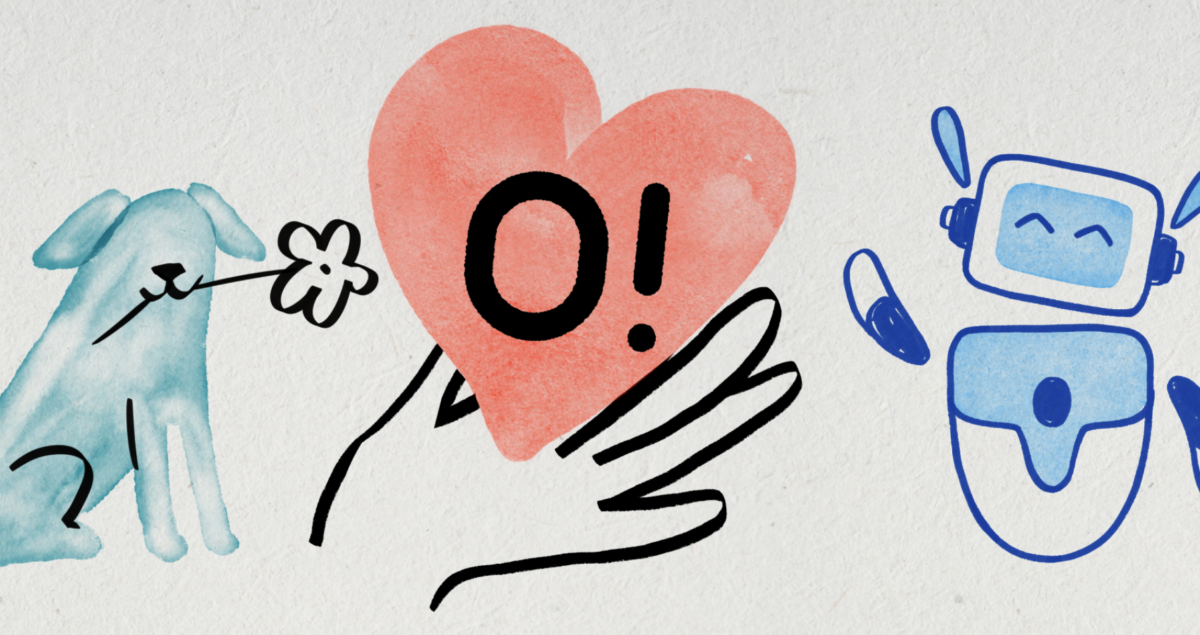
Patient-facing healthcare software often suffers from a sterile, intimidating aesthetic. Users feel enough stress dealing with lab results and medical history. Friendly visuals soften that anxiety. Good art transforms a cold database into a supportive digital environment.
Custom illustration costs serious money. It doesn’t happen overnight either. Product teams face a difficult choice: push a pre-made vector library to its limits, or commission original art.
Our product team spent three weeks testing Ouch, an illustration library built by Icons8. We wanted to see if stock vectors could genuinely support a cohesive, brand-aligned medical dashboard.
Building the Patient Onboarding Flow
Standardizing a new patient onboarding sequence came first. Profile setup, insurance linking, and initial scheduling demanded visual anchors. Users stare at these screens wondering if their data is secure. Text alone caused massive drop-off rates, meaning they needed something warm to guide them.
Navigating thousands of files takes strategy. Ouch features 101 distinct styles ranging from minimal monochrome to surrealism. We dug into the repository searching for the perfect fit. Filtering specifically for warm, professional aesthetics took hours, and we outright rejected anything cartoonish.
Populating a medical dashboard with friendly illustration images requires strict consistency. Random art styles confuse users. Our designers selected one cohesive style family to anchor the entire product. Next, they pulled assets from both business and technology categories. Layered vector graphics break down into tagged, searchable objects instead of flattened scenes.
Grabbing SVGs requires a Pro plan. Inside Figma, our team stripped out the default colors before applying soft teals and slate grays. Meticulously layered vectors make deep customization exceptionally fast. Swapping a character’s shirt color takes exactly two clicks. Replacing generic background shapes with brand motifs feels completely effortless.
We built an entire five-screen onboarding flow in one afternoon without drawing a single curve.
A Quiet Afternoon Fix
Thursday afternoon rolled around. Julian, our frontend developer, reviewed a newly deployed “Medication Refill Pending” screen. Technically correct, it looked completely dead. A gray spinner sat next to a wall of text. Users hate looking at empty loading states.
Skipping the design queue, he opened the Pichon desktop app. Icons8 houses their entire library there alongside icons and transparent photos. Searching for “pill” brought up our chosen 3D style immediately. A clean, professional 3D medication bottle caught his eye. Dragging the PNG directly into the codebase instantly transformed that dull interface. He pushed the commit ten minutes later.
Speed of implementation proves the true value of pre-made assets.
Animating Empty States
Empty states became our second major test. Healthy patient portals contain dozens of screens with absolutely no data. Zero unread messages. No upcoming appointments. Active prescriptions sitting at zero. Static vectors work fine, but animated empty states offer much higher polish. They subtly tell the user that the application is alive and processing correctly.
Ouch ships animated assets in Lottie JSON, After Effects, and GIF formats. Lottie JSON keeps file sizes low while ensuring playback stays smooth on mobile browsers.
Targeting the 404 error page and “No recent lab results” view took some serious creativity. Finding an exact match for lab results proved difficult. Settling for a generic shrug animation felt incredibly lazy. Patients deserve better than a generic 404 graphic when actively looking for blood work. Mega Creator, an online editor from Icons8, completely solved the problem. Customizing an existing animated character took barely five minutes. We swapped out background elements before bringing in a static clipboard from another collection. That clipboard stayed static, but the animated character created a beautifully tailored medical composition.
Evaluating Alternatives for Patient UI
Testing several popular illustration resources happened before any final commitments. Distinct characteristics impact product design differently.
Humaaans builds diverse, customizable characters beautifully. Mixing hairstyles, clothing, and body types feels incredibly intuitive. Healthcare applications need more than just people, though. Dashboards require specific tools of the trade, so we needed microscopes, calendars, and medical charts. Objects remain mostly absent from their library collection.
Massive, free vector scenes live inside unDraw. Recoloring happens instantly, making it a favorite for hackathons and rapid prototyping. Overexposure ruins the appeal for commercial software, sadly. Single-color styling screams generic template. Your SaaS product deserves better than looking like fifty other startups launched yesterday.
Blush puts illustration customization directly inside design tools via plugins. Independent artists supply gorgeous artwork. Stylistic consistency falls apart quickly across massive applications, though. Brilliant individual collections don’t scale well across hundreds of diverse screens. Ouch provides a highly systematic approach instead. Covering entire user flows requires sheer volume. Their 28,000 business assets handle logins, checkouts, and error states effortlessly.
Where the Pre-Made Approach Hits a Wall
Pre-made libraries have distinct boundaries. Layered vectors and online editors can only do so much. Broad subject matter fits stock art perfectly, but niche medical requirements break the illusion.
Specific physical therapy exercises demand exact visual representation, and precise anatomical diagrams require strict medical accuracy. Specialized diagnostic equipment rarely exists in standard vector libraries. Rearranging generic shapes endlessly won’t suddenly build a realistic MRI machine. Conceptual metaphors break down completely when users need technical accuracy, making custom commissions absolutely non-negotiable.
Free tiers always carry a catch. Icons8 requires an attribution link, which presents a major problem for secure patient portals hidden behind strict logins. Dropping external links in the footer looks incredibly unprofessional. Internal security policies often forbid those external tracking links entirely. Upgrading to Pro removes the attribution requirement while simultaneously unlocking those crucial SVG files for deep customization.
Working with Assets in Production
Integrating these files into a scaling dashboard taught us some hard lessons. Scaling art direction across a team is tough. A few specific practices will save your team serious headaches.
- Lock down one style: Temptation runs high with 101 options, and designers naturally love trying new things. Choose one specific visual style. Enforce it ruthlessly across your entire product. Patchwork aesthetics kill user trust fast.
- Hoard your credits: Paid plans run on a credit system where unused downloads roll over into the next month. Save credits during development lulls. Spend them in bulk during massive module overhauls. Your finance team will thank you.
- Grab 3D FBX files: Basic 3D modeling skills unlock massive potential here. Raw FBX formats beat flattened PNGs every single time. Adjusting lighting environments directly lets you match your brand perfectly instead of relying on default studio lighting. Small shadows make a big difference.
- Clean up SVGs: Never hand raw vector files straight to developers. Open them in Figma or Illustrator first to group the layers logically and delete hidden shapes. Unlabelled paths bloat your codebase heavily if they aren’t simplified first. Clean code starts with clean assets.